
Register for Partner Day at INBOUND
To attend Partner Day at INBOUND, you are required to (1) have a ticket to INBOUND 2026 before registering and (2) be an employee of an active solutions partner, provider, or app partner business.
- Locate the event page: The primary contact of your business may have received the registration email, as long as they are subscribed to emails from HubSpot. This email contains the event registration page link. Click the event page link from the Partner Day at INBOUND 2026 email.
- Enter your email address: This is the email address attached to your INBOUND 2026 ticket. No spaces before or after.
- Note: This email address must be the same as your partner business email in order for your registration to be valid. If your INBOUND ticket is not associated with your partner business email address, you should transfer it to that email before registering for Partner Day. Instructions can be found here.
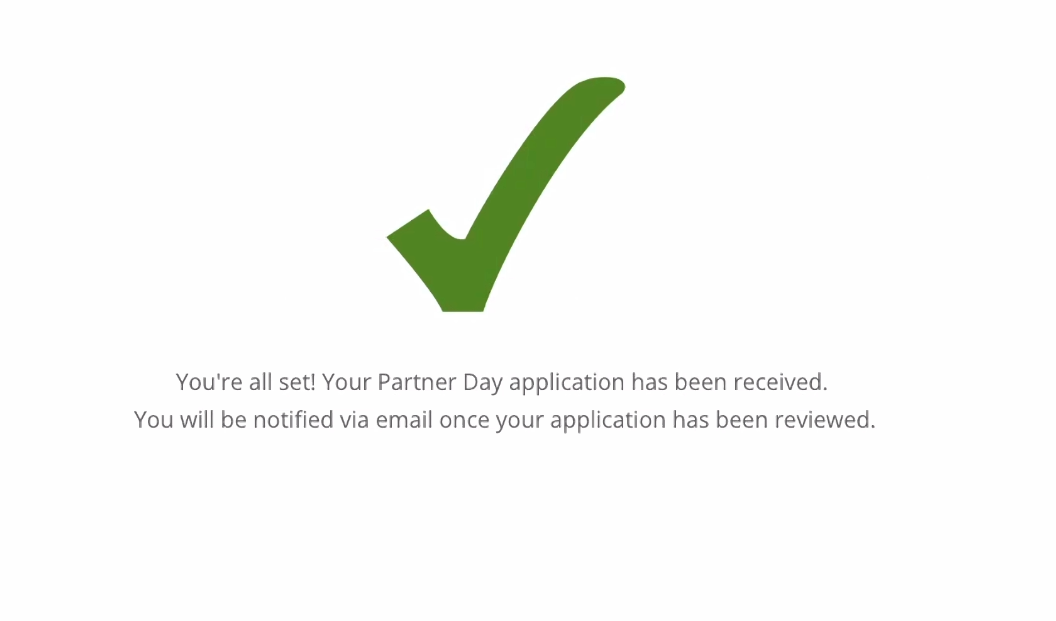
- Click register: You should be all set!
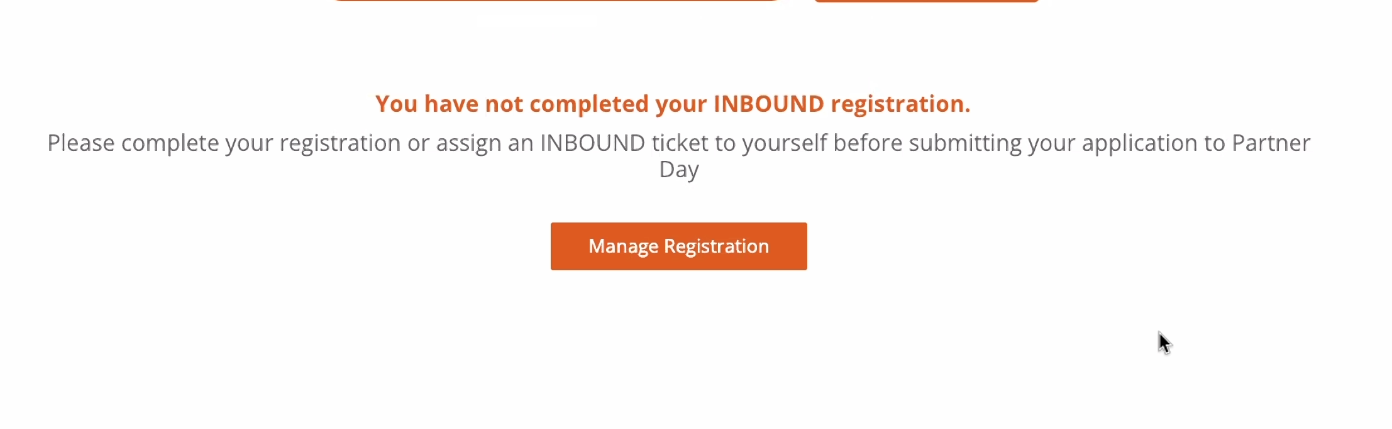
Issues or errors? If you have not completed your INBOUND 2026 registration, you will need to go back and complete your registration first. Be sure you have an assigned INBOUND ticket to yourself. Placeholder emails are not accepted.
If you need to cancel your registration, please email partnerday@hubspot.com.
Please note, if you transfer your INBOUND ticket to another person after registering for Partner Day, your Partner Day registration will transfer with your ticket. If you are transferring your INBOUND ticket to someone who is not an active solutions partner, solutions provider, or app partner, please note that they will be de-registered from Partner Day prior to the event.